Topic
E-commerce Solutions
Magento, WordPress, WooCommerce, and online store development
0published articles

13 min read
Wordpress Plugin For Uploading And Publishing Markdown Files
UPDATE I'm working on an enhanced version that enables you to schedule posts with precise timestamps, If you find my plugin useful, a simple backlink and a thumbs up would be greatly appreciated – that's all I'm…

1 min read
Prerequisite Installing Wordpress 5.9 Nginx - Mariadb - Php-7.4 w/ PHP 7.4 FPM Standalone Server without any control panel
I am sharing how do I normally install the required software to run Wordpress using Woocommerce on a standalone server without using any bloated control panel including the all time JUNK CPANEL and all the others. I…

1 min read
How to add year which changes dynamically in Woocommerce or WordPress
You simply need to edit your functions.php. function yearshortcode() {<br> $year = date('Y');<br> return $year;<br> }<br> addshortcode('year', 'yearshortcode'); Now go to your Footer widget and add the shortcode or…
1 min read
Installing Wordpress 5.x on Fresh Ubuntu Server 19.x
In this small post , I will discuss about how to install Wordpress and its prerequisites, I am not going to waste your time and have you read same thing over and over again to gain more SEO crap, so I will cut to the…
1 min read
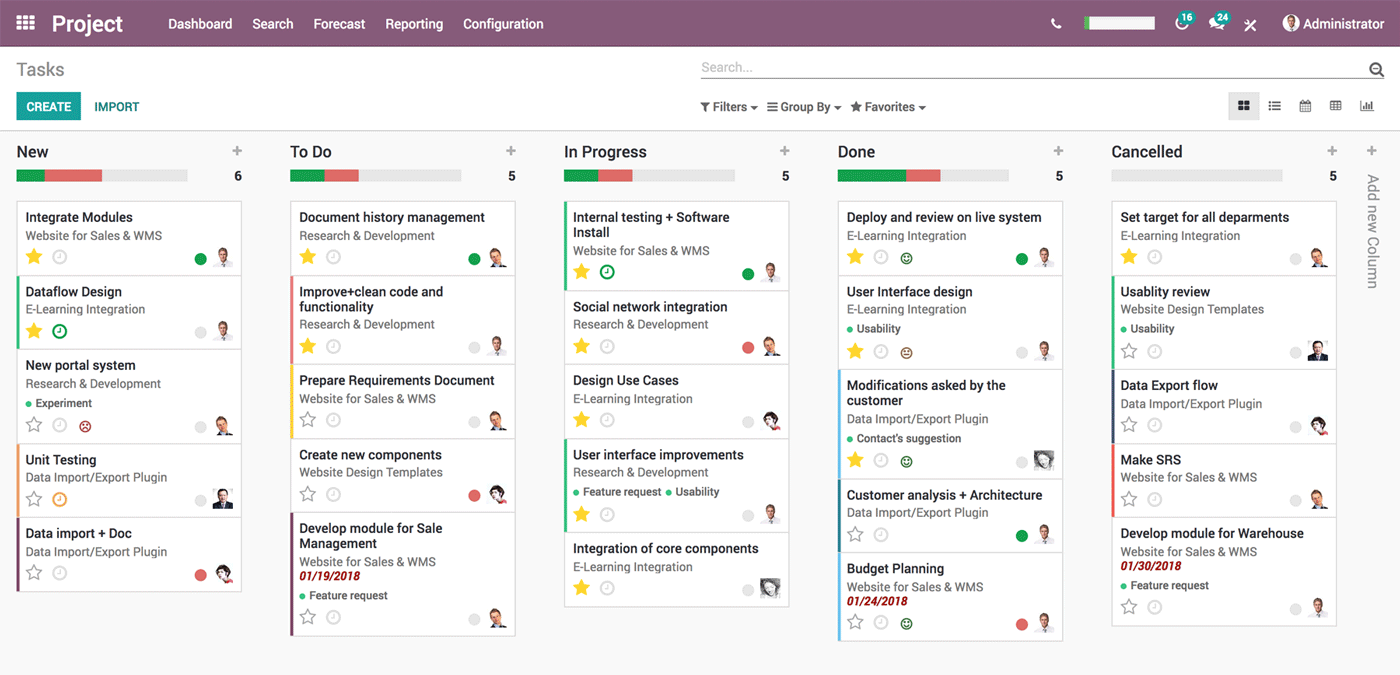
Run Full Featured Accounting in Odoo 12
At first you need to enable developer settings in Odoo by simply going to settings and then activate developer mode , goto your user account and enable show full accounting features. Once that's done, download this…

2 min read
Setup Nginx for Odoo with SSL using Let's Encrypt
OpenERP backend We are assuming you've Odoo already installed on your server, If it's not installed use my guide to install it first. How to install Odoo on Ubuntu or Debian Install Nginx and Certbot first sudo apt…

2 min read
How to Install Odoo in Debian or Ubuntu
Last updated April-15-2022 Once you are logged in, run the following command to update all installed packages to the latest available version apt-get update && apt upgrade 3. Install PostgreSQL server Odoo requires a…
1 min read
Database creation error: new encoding (UTF8) is incompatible with the encoding of the template database (SQL_ASCII) HINT: Use the same encoding as in the template database, or use template0 as template. Odoo 10 Ubuntu 16.04
root@server:~# su postgres postgres@server:~ $ psql -U postgres psql (9.0.3) Type "help" for help. postgres=# update pgdatabase set datallowconn = TRUE where datname = 'template0'; UPDATE 1 postgres=# \c template0…

1 min read
Class Does Not Exist Magento 2.2 *SOLVED* When running compiler
After spending some time and and almost gave up on all my Magento2 Store - I install this JUNK EXTENSION called MAGENERDS and it cause me this crash. After realizing the fact that for some reason I can't run compiler…

1 min read
Magento 2.12 Varnish 5.0 Error 503 Backend fetch failed **SOLVED** PHP 7.1 Nginx Varnish 5.x
Magento 2.x 503 backend fetch failed varnish This blog is my diary so I can keep track what I fix and what I've learned and today after spending some time and pulling my hair, as we are about to launch our e-commerce…
1 min read
Magento2 Authorize.NET CIM Opensource
After spending some time I found free Opensource Authorize.NET CIM why pay $200 when you can get opensource. https://github.com/pmclain/module-authorizenetcim 📚 Related Articles → Set up Magento 2 with Redis,…
7 min read
Set up Magento 2 with Redis, Varnish and Nginx as SSL termination
In this article, we will show you how to install Magento 2 on an Ubuntu 16.04 VPS with MariaDB, PHP-FPM 7.0, Varnish as a full page cache, Nginx as SSL termination and Redis for session storage and page caching. This…

1 min read
Magento 2.x: Required parameter ‘theme_dir’ was not passed
This error message appears in Magento 2 when you deleted a theme directory and the theme registry reminds in the database. To fix this issue you need to go to app/design/frontend and check which themes you have…

1 min read
Magento2 Set Anchor to YES in all Categories
I am assuming you've PHPMYADMIN , not going in detail as to how you install that and all that crap First identify the attribute id of the isanchor attribute: SELECT FROM eavattribute where attributecode =…

1 min read
Magento Page Cache Warming
Lets use a simple software to warm pages so they load faster and already in cache. Before we do anything we need to install the following software sudo apt-get install libxml-xpath-perl siege -y Now lets setup…
1 min read
Magento 2 - (2.13) Failed to load resource: the server responded with a status of 404 (Not Found) **Solved
After spending sometime with Magento 2 (2.13) , as I am running Nginx and PHP 7 fpm I was getting a lot of error and after some research I was able to find a solution simply replace location static in given magento 2…

1 min read
Installing Magento 2.x and PHP 7.0 on Debian Jessie x64
Step by Step gpg --keyserver keys.gnupg.net --recv-key 89DF5277 && gpg -a --export 89DF5277 | apt-key add Add sources nano /etc/apt/sources.list deb http://packages.dotdeb.org jessie all deb-src…
1 min read
Odoo9 Community to Odoo9 Enterprise Database Upgrade
Today I've purchase Odoo9 Enterprise therefore I need to move my database from Odoo9 community to Odoo9 Enterprise at first I was getting Internal server error then after some research I realize that I need to…
1 min read
Magento2 Varnish 503 Backend Fetch Failed Problem **SOLVED
I've M2.10 , Varnish , Redis and Nginx intalled and using Php7.08 with installed after doing a lot of research I wasn't able to find a solution for this. I was moving around attributes from groups to un-assigned…

2 min read
How to use Gmail or Amazon SES with Magento
Let's configure Gmail or Amazon SES with Magento2 or Magento 1 or any other php application, basically will configure our server in a way so any php application will then use local php mail but email will route with…
1 min read
Magento 2.01 Broken CSS and Magento 2.01 Admin Page not found
Fix is easy as I am using Apache(2), I was able to fix this by adding the following piece of code in my 000-default.conf Located at /etc/apache2/sites-available <Directory /var/www/> AllowOverride All </Directory>…

3 min read
Magento Apc and Memcached Speed up Magento
I hear a lot of time that people complaints about "Magento is very slow". In my opinion Magento is not a good solution if you are hosting it in a Shared environment, If you've a dedicated server then YES, use it…

1 min read
Magento Defer JavaScript
How I achieve 2.8s Load time in Magento as compare to 10s using the following In order to have Defer Javascript, Please change the following files page.xml, my page.xml is stored at…

1 min read
How to fix Magento 1.8 Admin Blank Page
Ok, on to the solution:: So, you left compilation mode on, but cannot reach the backend to switch it off. If you have SSH access, you are in luck. Step 1: Check current compilation status $ php -f shell/compiler.php…

1 min read
Install OpenERP v7 on Ubuntu 12.10 Server
Next, download my script. from here Or, at the command prompt, type the following ; cd /tmp chmod +x installfreshopenerp.sh sudo ./installfreshopenerp.sh The script will do the following ; Update the Ubuntu…
1 min read
Magento upgrade from 1.7 to 1.8
Take a Code backup as well as DB backup before upgrade. Use SSH to upgrade. Follow below steps to upgrade.. Open command terminal. Go to your Magento directory by cd command like cd /var/www/yourmagento/ & run below…

1 min read
Cannot edit or delete categories in Magento Nginx
Just Add location ~ .php/ { rewrite ^(..php)/ $1 last; } 📚 Related Articles → Set up Magento 2 with Redis, Varnish and... → How to warm cache in Magento 2
2 min read
Openerp Automated Install on Centos 6.3
This script installs OpenERP v7.0 on a Centos 6.3 server (minimal i386) with PostgreSQL 9.2 #!/bin/sh # Modified script from Carlos E. Fonseca Zorrilla yum -y install wget unzip rpm -ivh…

2 min read
Openerp Automated Install Script v7.0
I will assume you have installed Ubuntu 12.04 precise. There are PLENTY of resources on the web if you need detailed help with that! Simple Openerp Installation to make your life easier Start by updating the package…

6 min read
NGINX Configuration for CS-Cart
I have spend a lot of times configuring CS-Cart to work with NGINX server , bottom line is to cache static content and have speed at the same time. This is my step by step tutorial to install NGINX server and run…